Zenslearn for Mac
Your school, on your Mac
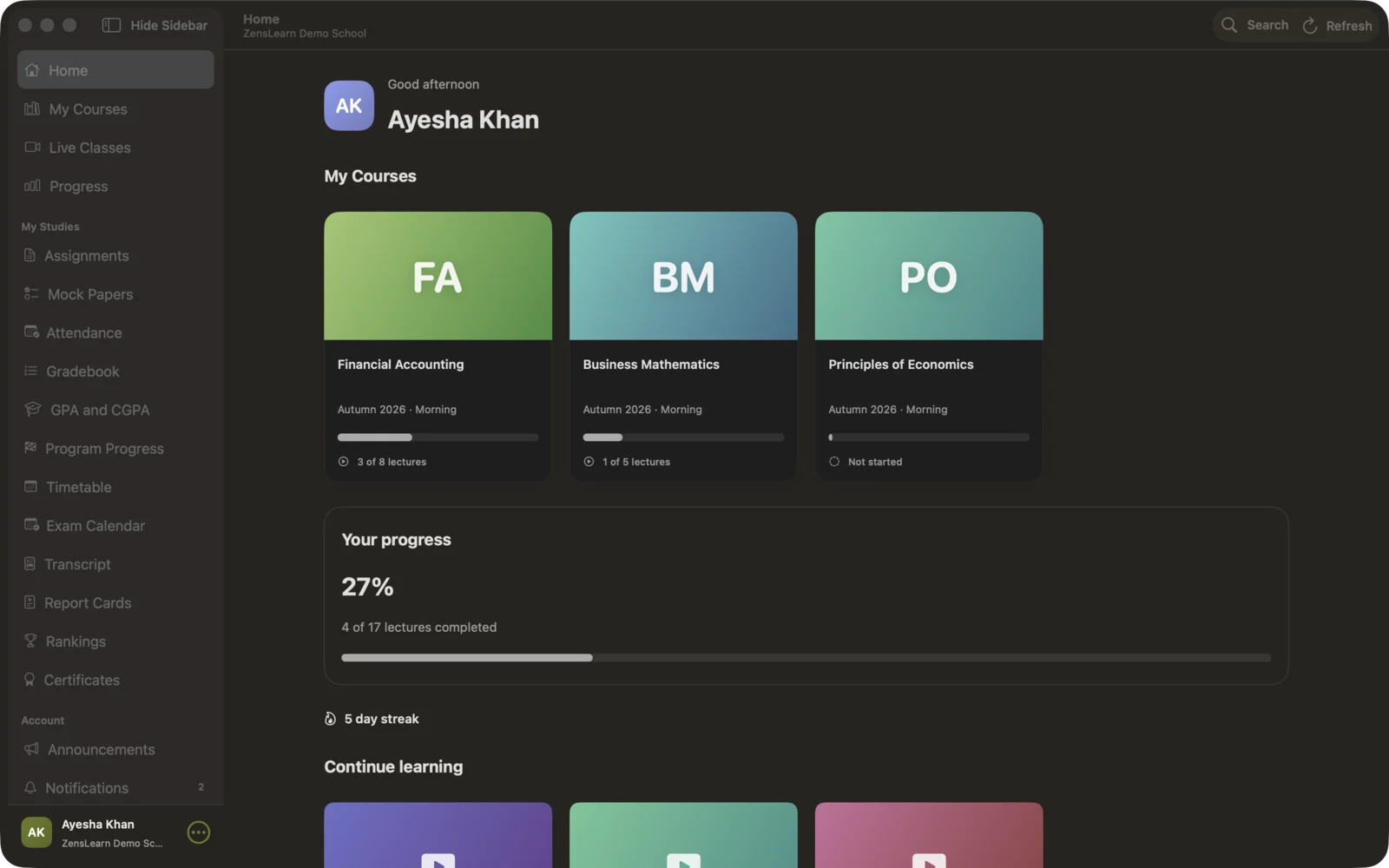
Lessons, quizzes, assignments, attendance and grades from your institute, in one Mac app. In English and Urdu.
Download for MacFree · Version 1.0.0 · macOS 14 Sonoma or later · Apple silicon and Intel · about 9 MB
Coming soon to the Mac App Store.
Install in 3 steps
- 1
Download
Click the download button. Your Mac saves the file ZensLearn.dmg in Downloads.
- 2
Install
Open ZensLearn.dmg. Drag ZensLearn into the Applications folder.
- 3
Sign in
Open ZensLearn from Applications. Choose your institute and sign in with the account your institute gave you.
Everything from your institute
Lectures
Watch your course videos. The app remembers where you stopped.
Quizzes and exams
A clear timer, and your answers save as you go.
Assignments
See your work, send files and read your teacher's feedback.
Live classes
See your class times and join from the app.
School pages
Attendance, grades, GPA, timetable and exam dates.
English and Urdu
Use the whole app in English or in Urdu.
Questions
I cannot find my institute in the app.
Your institute must turn on the Mac and Windows apps for its students. Ask your institute to turn them on.
Is the app safe to open?
Yes. Zensbot LLC signs the app and Apple checks it (notarization). If your Mac asks, click Open.
Which Macs can use it?
Any Mac with macOS 14 Sonoma or later, with Apple silicon or Intel.
Does it cost money?
No. The app is free. Your institute gives you your account.
On your phone or Windows PC?
Zenslearn is also on iPhone, Android and Windows.